



To uninstall Monitoo individually from a machine, you’ll need your company’s token and counter-password to stop the monitoring service before removal. To remove the program, you’ll also need the Monitoo installer. You can access both pieces of information and download the installer by visiting the My Data page on the web platform.
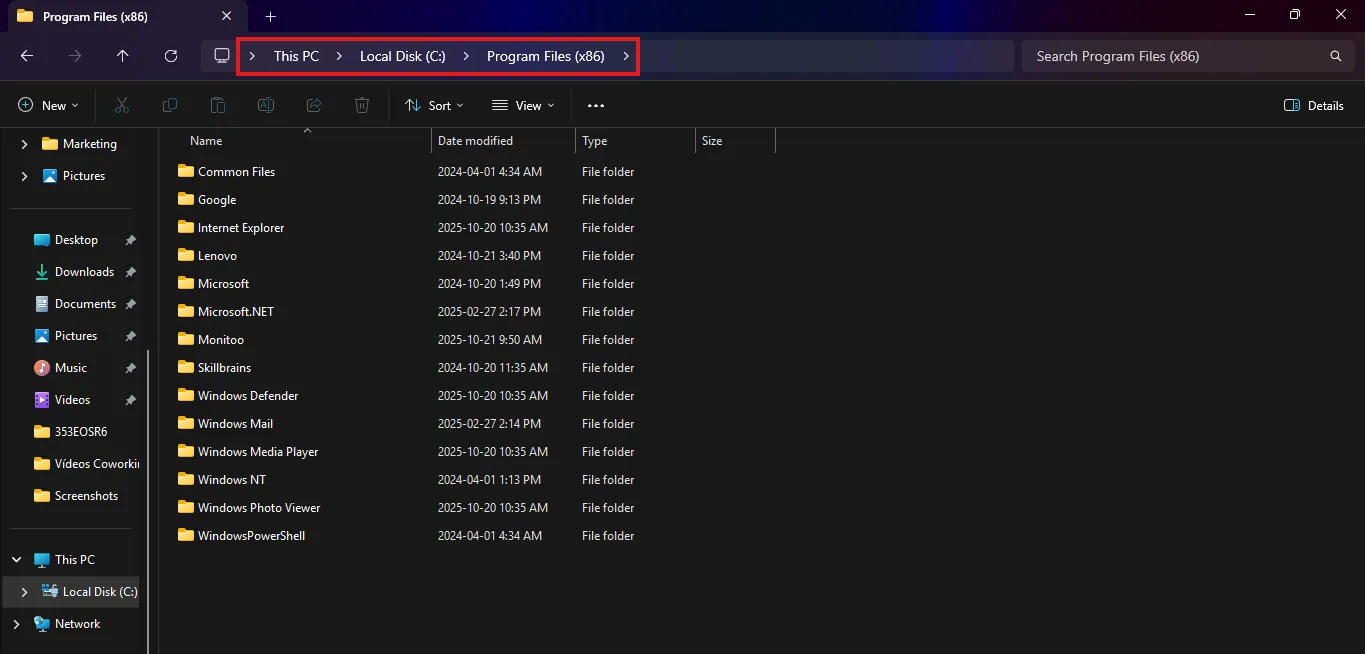
Open File Explorer and navigate to the folder located at:
`C:\Program Files (x86)\Monitoo\Program`
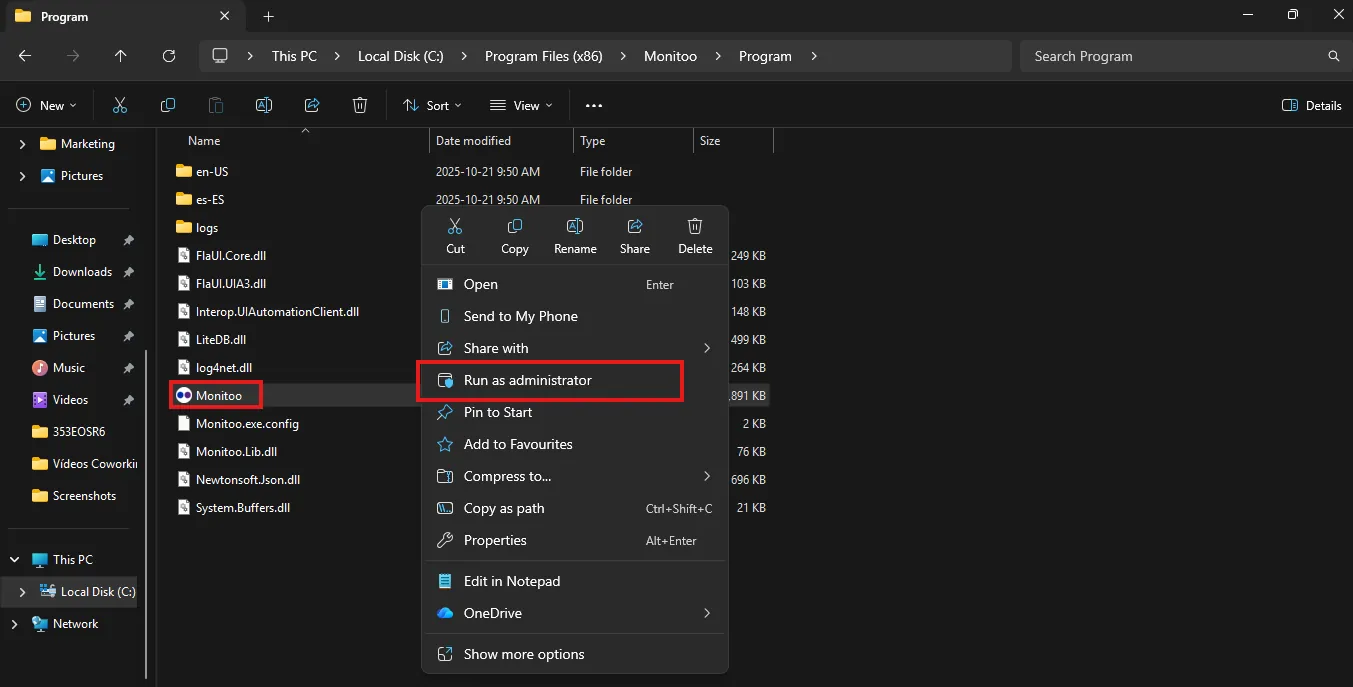
Run the Monitoo.exe file as Administrator.
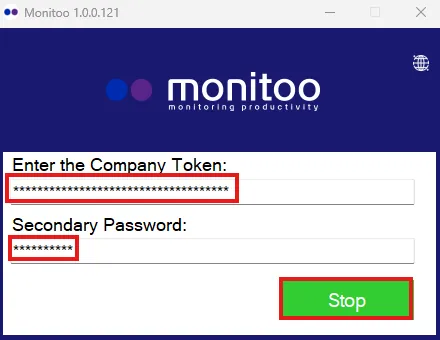
In the window that opens, enter your company’s token and counter-password, then click Stop.
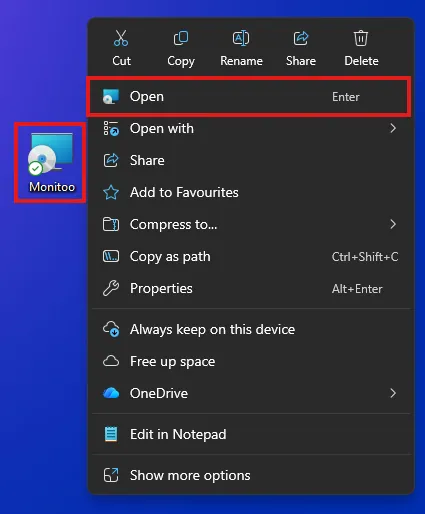
After stopping the service, run the installer downloaded from the web platform.
In the installer, click Next on the first step, then select the Remove option.

Great! Thanks for your feedback.
Tell our team what was missing: contact support on WhatsApp.
